
What is a static screen?
A static screen recreates the random snow, fuzz, and scanline noise associated with analog television. It is the look people remember from old TVs, VHS signals, broken antenna feeds, and late-night broadcast gaps.
This page runs a visual TV static effect directly in the browser. You can switch between black-and-white TV static and color static, change the noise intensity, adjust the animation speed, open it fullscreen, and download a still PNG frame for reference use.
Analog TV snow, not a solid color
The homepage white screen is a blank field for lighting and cleaning. This URL is moving snow. People search for TV static, screen noise, or analog fuzz when they want that grain on the display.
Visual only, generated in this tab
Nothing is installed. Closing the tab ends the animation. There is no hiss on this URL. If you need snow plus audio, use the white noise screen.
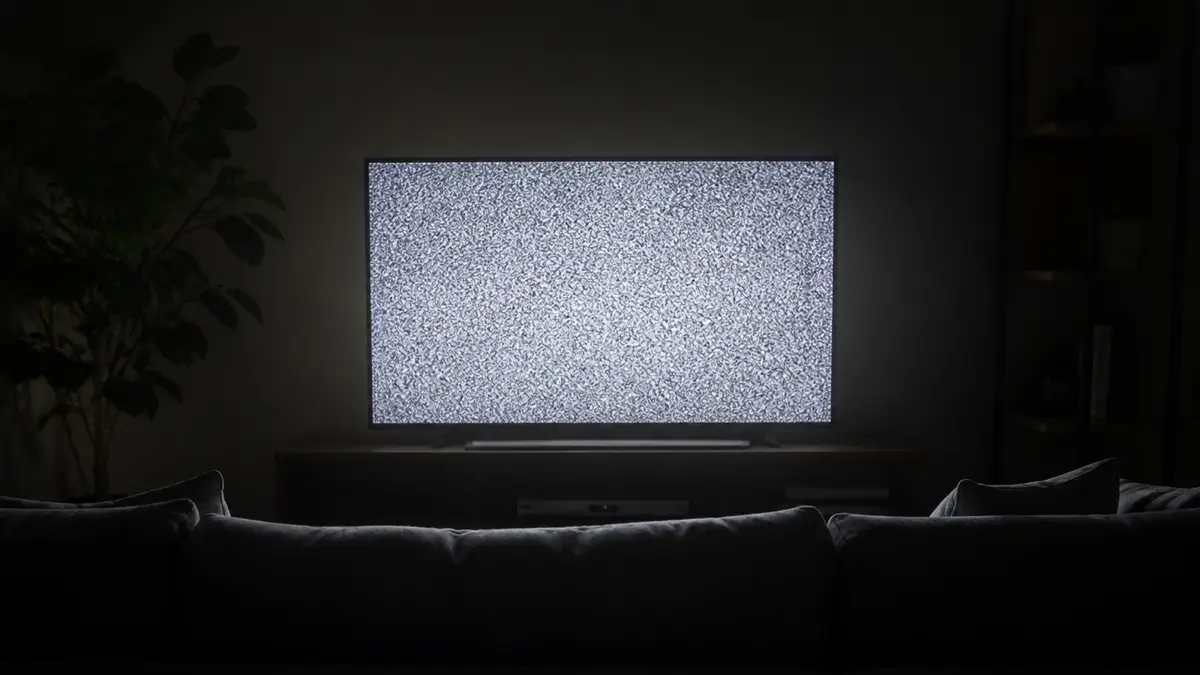
TV static effect for retro video and horror scenes
Static is useful when a scene needs an analog, haunted, interrupted, or surveillance-style mood. Filmmakers and editors often use TV static noise between cuts, before a glitch reveal, or as a quick texture for retro title cards.
For horror and thriller content, keep the speed medium and the intensity high enough to create movement without making the image painful to watch. For softer nostalgic scenes, use black-and-white mode with lower intensity.
Retro VHS transitions
Drop a few seconds of snow between cuts or under a title card. Black-and-white mode reads as an old broadcast gap. Color static reads more like a digital glitch.
Horror cutaways and analog props
A short snow beat works on a CRT prop or a surveillance insert. Keep the speed moderate if people stay in the room. A still PNG is enough when the edit only needs one frame.
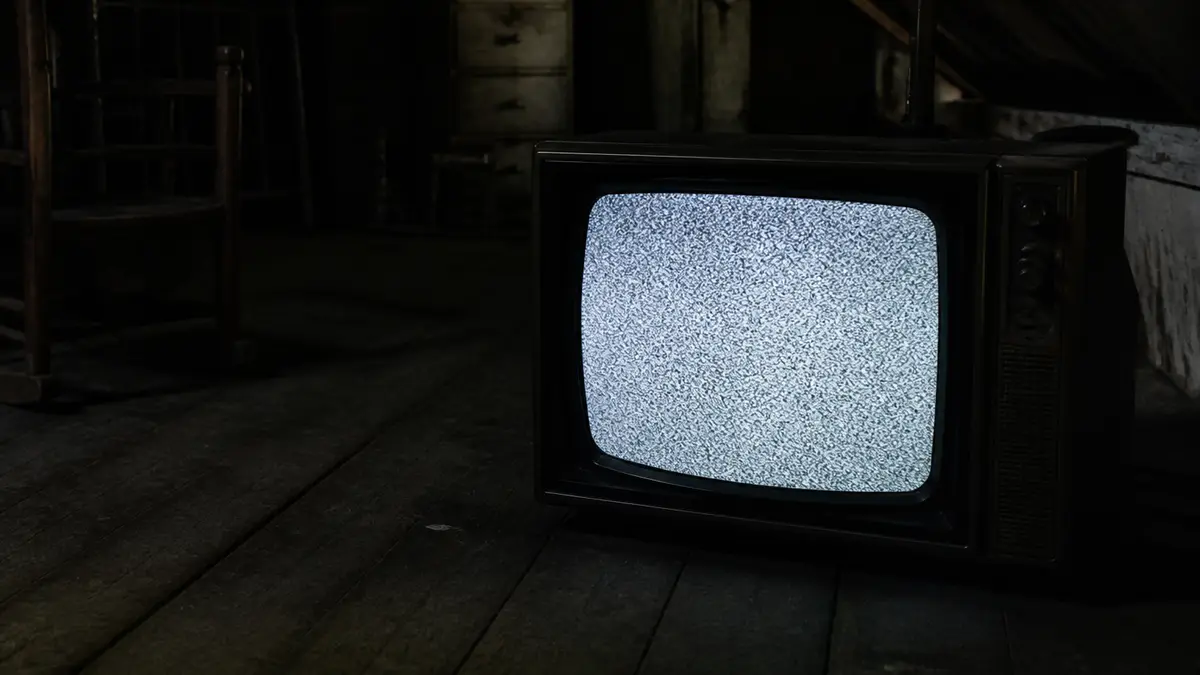
Static screen for streaming, gaming, and OBS scenes
A fullscreen static screen can work as a stream break, starting soon visual, offline scene, or background for a retro gaming layout. It gives the screen motion without requiring a video file or design software.
If you are capturing the browser in OBS or another streaming tool, set the browser window to the desired size first. Then open the static screen, choose the look, and capture the window or display as your scene source.
Stream break and starting soon
Open fullscreen, then capture this tab as a browser or display source. The snow keeps moving so the scene does not look like a frozen PNG.
Retro gaming and a second monitor
Use color static behind a layout, or leave black-and-white snow on a side display. There is no audio, so a quiet room stays quiet.
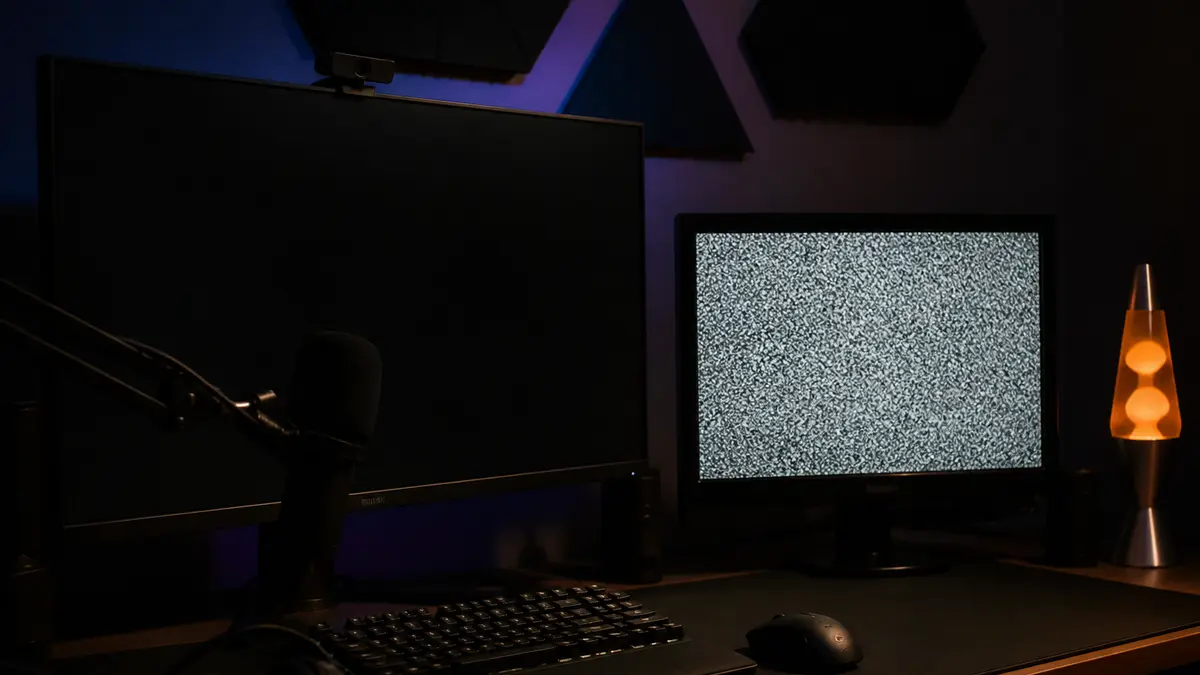
Static screen vs white noise screen
A static screen is visual. A white noise generator is audio. Some users call TV snow a white noise screen because the visual pattern looks random, but this page does not play sound.
That makes it easier to use in offices, classrooms, video calls, and public spaces. If you need snow plus hiss, use the white noise screen. If you need a silent retro visual, this page is the safer fit.
This page stays silent
Offices, classrooms, and public displays can leave the snow running without a hiss. The animation is only this tab.
Use white noise when you want the hiss
The white noise screen on this site pairs the same kind of snow with a looping Web Audio hiss. Stay here when you only need the picture.
How to get a better static screen result
Start with black-and-white mode if you want a classic analog television look. Use color static when you need a glitchier, more digital or modern noise texture. The intensity slider changes how harsh the image feels, while the speed slider changes how quickly the pixels move.
Avoid maximum speed and brightness in a dark room. Fast, high-contrast flicker can be uncomfortable for some viewers, especially on large screens or projectors.
Choose black-and-white or color
Black-and-white is the analog TV look. Color static is for glitch titles and digital noise. Pick the mode before you go fullscreen.
Set intensity and speed
Lower speed for a room display. Higher intensity for a short transition. Skip the maximum pair in a dark room or on a projector.
Open fullscreen or save a PNG
Open fullscreen when the room should see only snow. Download a PNG when the edit only needs a still texture. Esc leaves fullscreen.

Related tools for similar effects
Use the no signal screen when you want structured color bars or a TV test pattern instead of random noise. Use the black screen, white screen, and gray screen tools when the goal is display checking rather than a retro visual effect.
No signal and color bars
A no signal screen is structured bars, grid, or a test pattern. Use that page when you need a diagnostic look instead of random snow.
Solid color screens
White, black, and gray stay on the color tools. Those pages are for lighting, cleaning, and dead-pixel checks, not analog grain.
Frequently asked questions
Can I use the static screen fullscreen?
Yes. Click Open fullscreen to fill your display with the TV static effect. Press Esc to leave fullscreen on desktop browsers.
Can I change the static intensity?
Yes. Use the intensity slider to make the noise softer or harsher, and use the speed slider to control how fast the static changes.
Does this page play static sound?
No. This page is a visual static screen only. It does not play audio, which makes it safer for offices, classrooms, and public displays. If you want TV snow plus hiss, use the white noise screen.
Can I download the static screen image?
Yes. Use the download button to save a PNG still frame from the current static effect.
Can I use this static screen in OBS?
Yes. Open the page in a browser window, adjust the effect, and capture the window or display in OBS, Streamlabs, or similar software.
Is this the same as a no signal screen?
No. Static is random TV snow. A no signal screen usually shows color bars, text, or a test pattern.
Can I use color static instead of black-and-white static?
Yes. Choose Color static when you want a glitch effect, digital noise look, or a more colorful retro background.
Will the static screen damage my display?
No. It is a browser animation. Still, avoid leaving any bright or high-contrast animation on the same display for very long sessions.
Does it work on mobile?
Yes. The effect works in modern mobile browsers. Fullscreen behavior depends on the phone browser and operating system.
Can I use the static screen for a video background?
Yes. You can capture the browser window for animated static, or download a PNG if you only need a still texture.
